




Your Viewing History, Decoded!
How many hours have you really spent on your favorite series? Which show did you rewatch the most? HistoryFlix turns your Netflix viewing history into clear statistics, and lets you add what you watch on other platforms too.
Import in 3 Steps
Your history stays on your device. No account required.
Features
📊 Statistics
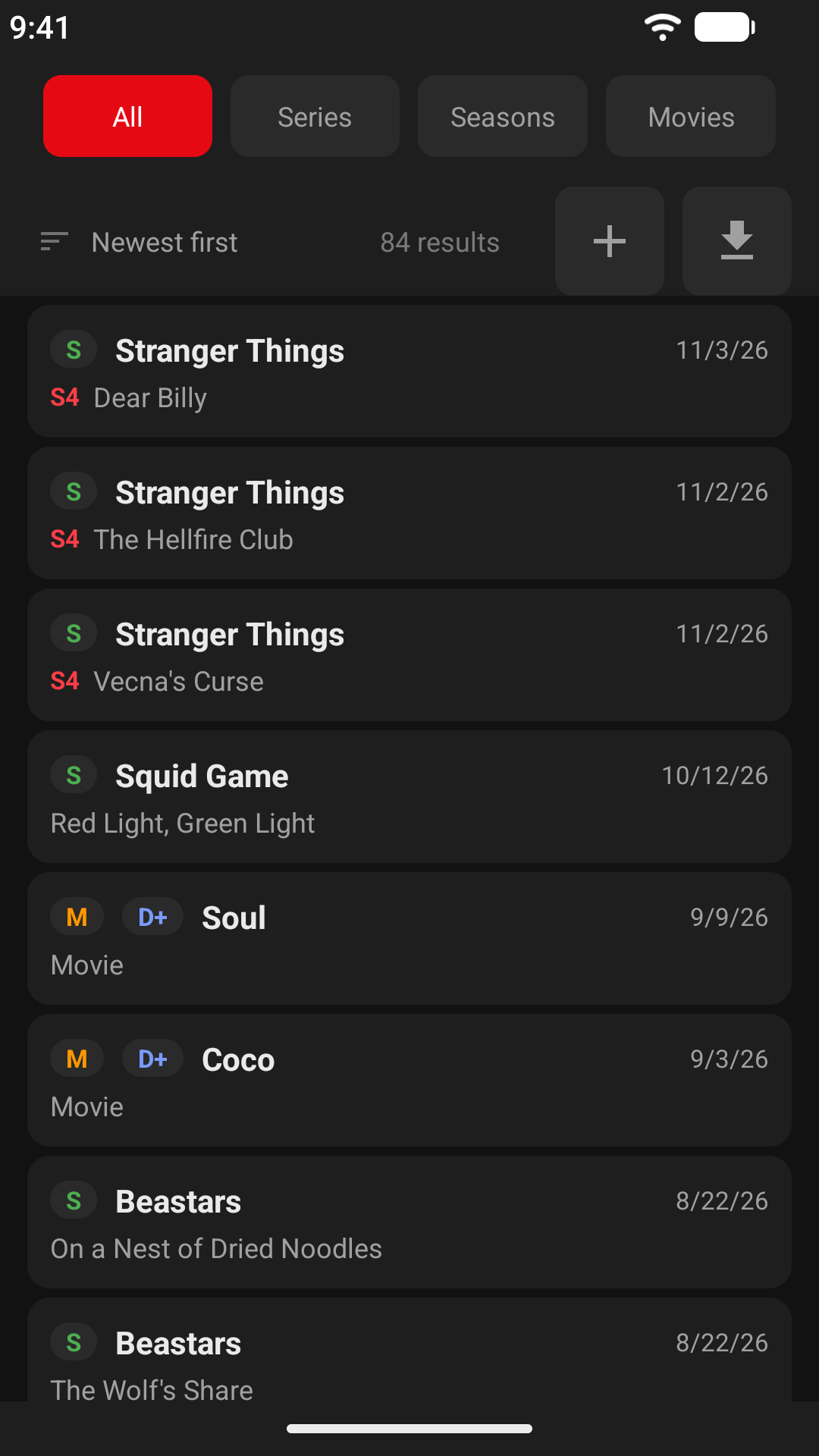
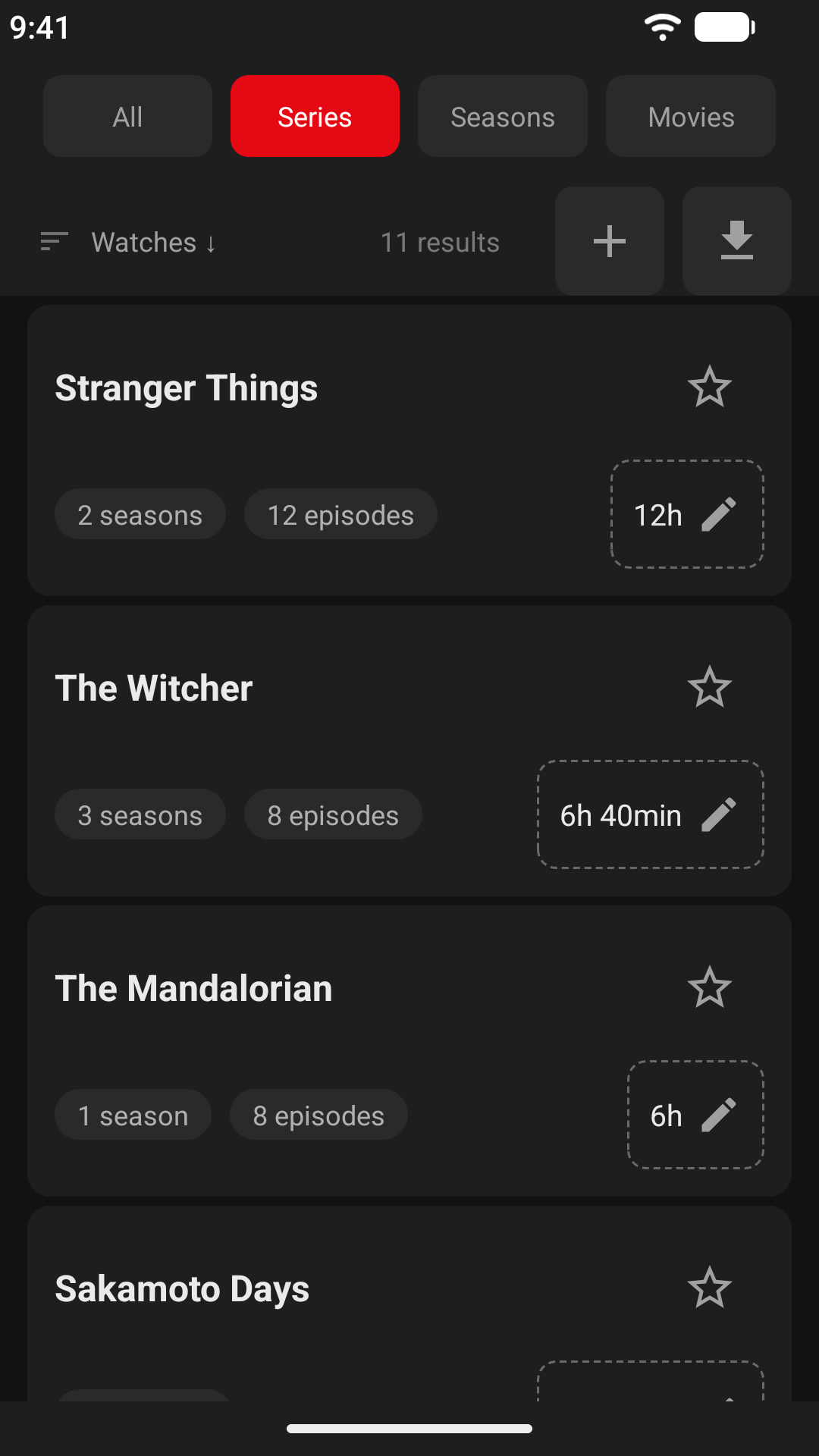
🔹 Episodes grouped by series and season, movies listed separately.
🔹 Rewatches detected and counted.
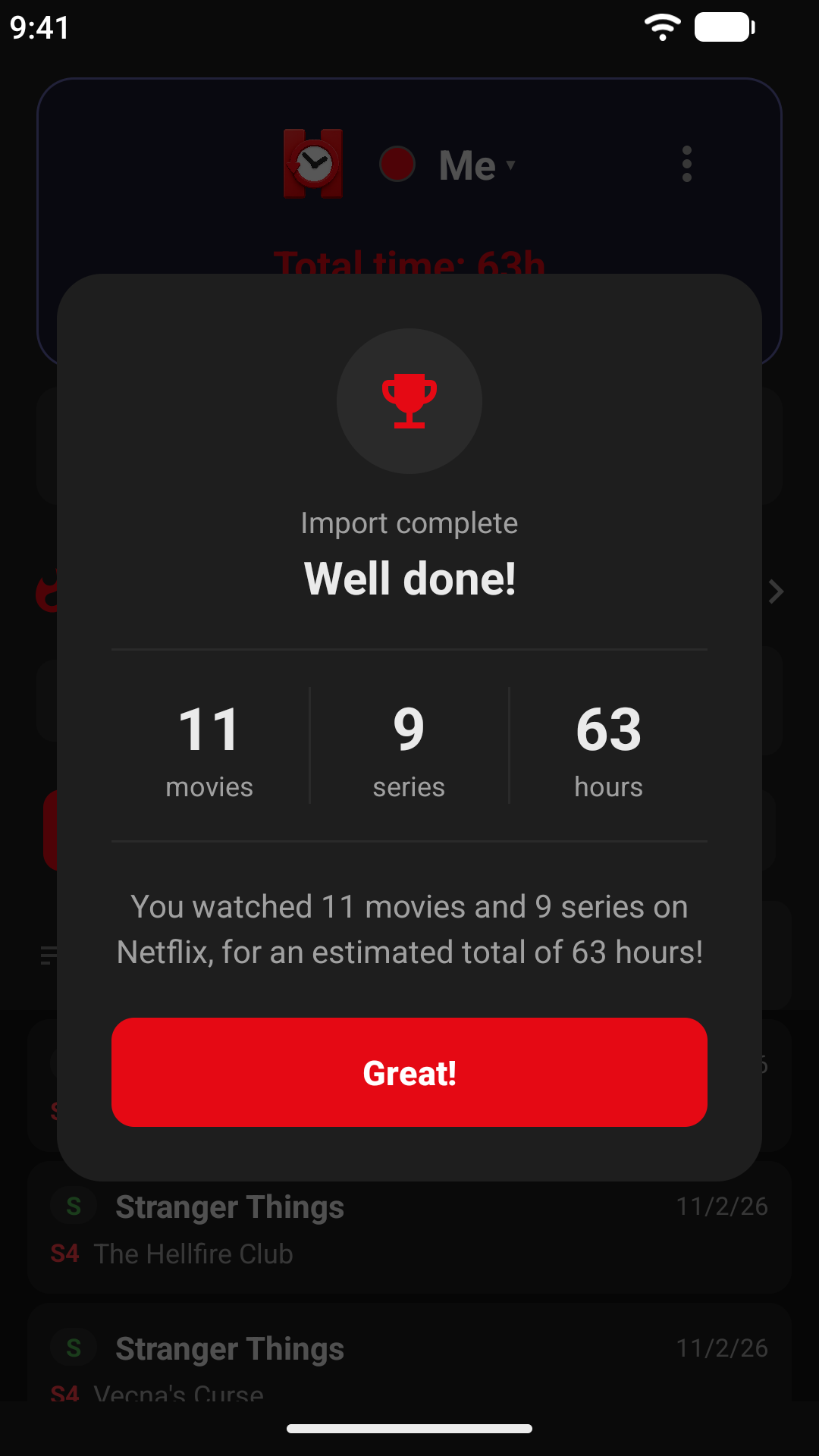
🔹 Estimated total viewing time, with editable durations to refine the estimates.
🔹 Search, sort (accent-aware) and filter by year.
🎬 Multi-Platform
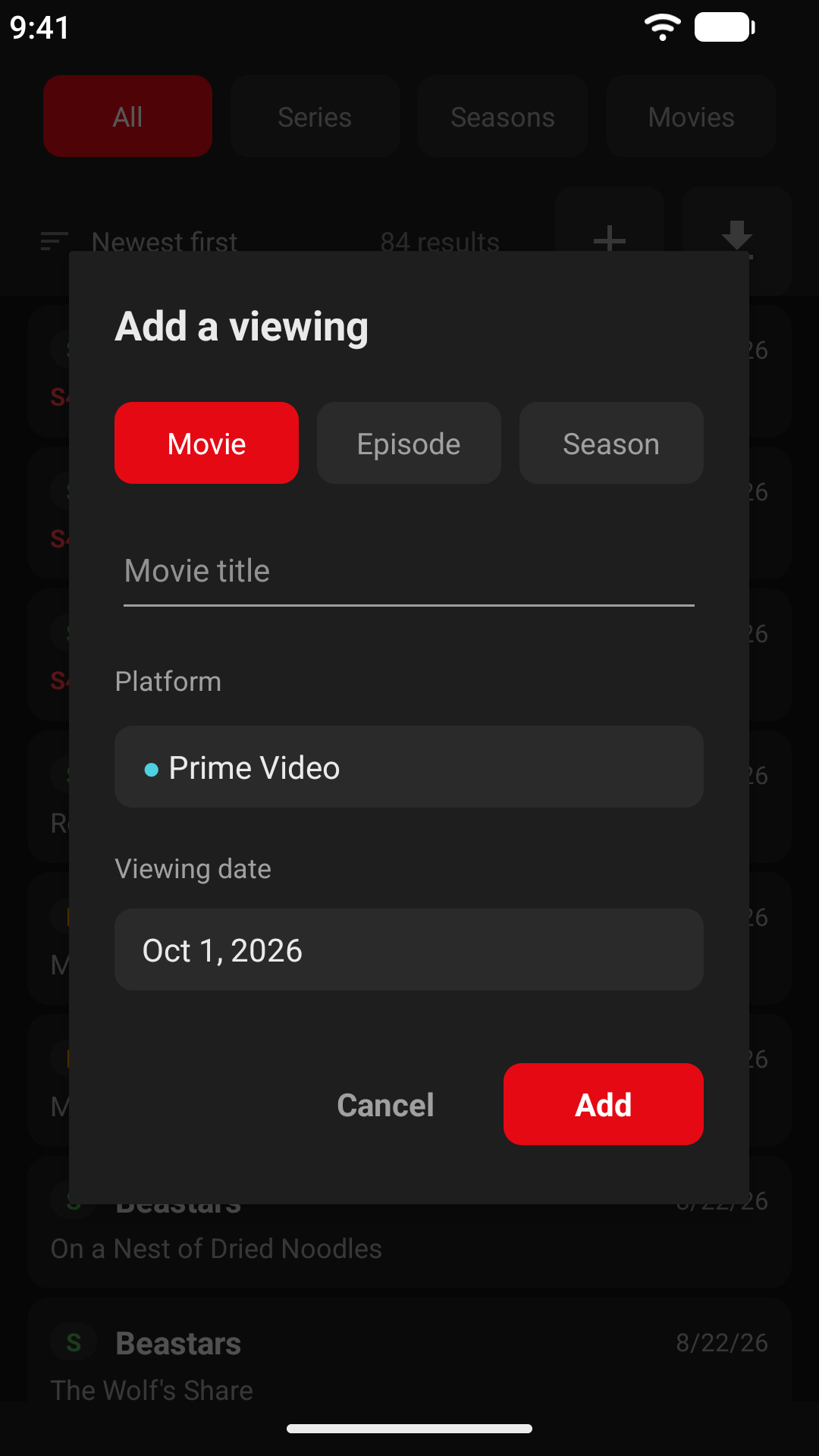
🔹 Add manually what you watch elsewhere: pick a platform from a colored grid.
🔹 Create your own platforms if yours is missing.
🔹 Filter your history by platform.
👥 Profiles
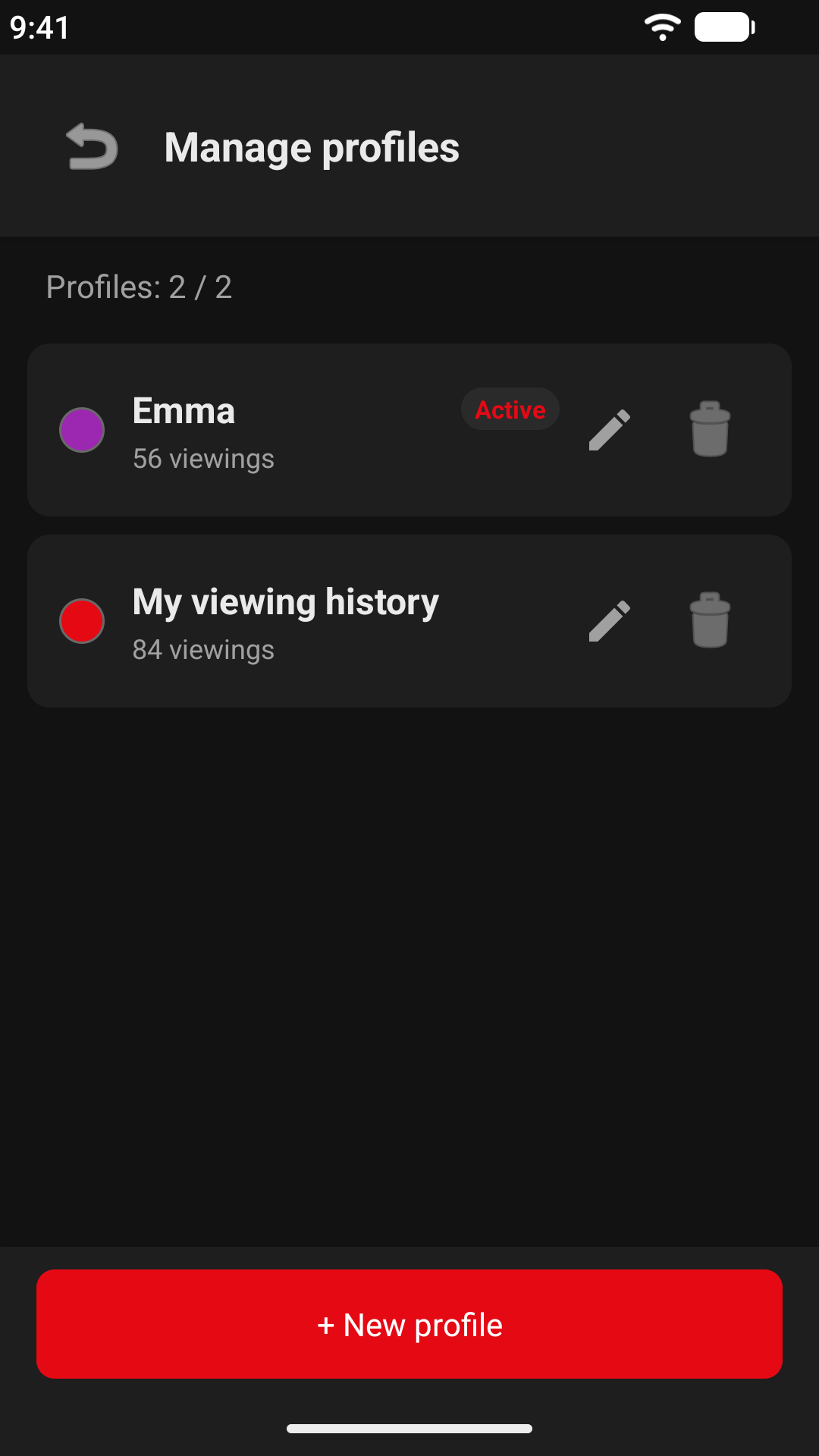
One history per person, just like on Netflix. Import each profile's CSV separately and switch in one tap.
⭐ Favorites
Star your favorite series and movies, then display only them with the favorites filter.
💾 Backup & Restore
Export everything (profiles, history, favorites, custom platforms) to a single file and restore it on a new phone. Importing merges without overwriting.
Screenshots
Available on Google Play
Download HistoryFlix and discover how you really watch!
The application is available in English and French.
Download on Google PlayHistoryFlix is an independent application, not affiliated with or endorsed by Netflix.